Workout plan template
Plan your training week on paper or in a spreadsheet: which session goes on which day, then each session's exercises, sets, reps, weight and rest. Print the PDF or fill in the Excel file. Free, no sign-up.
What is in the template
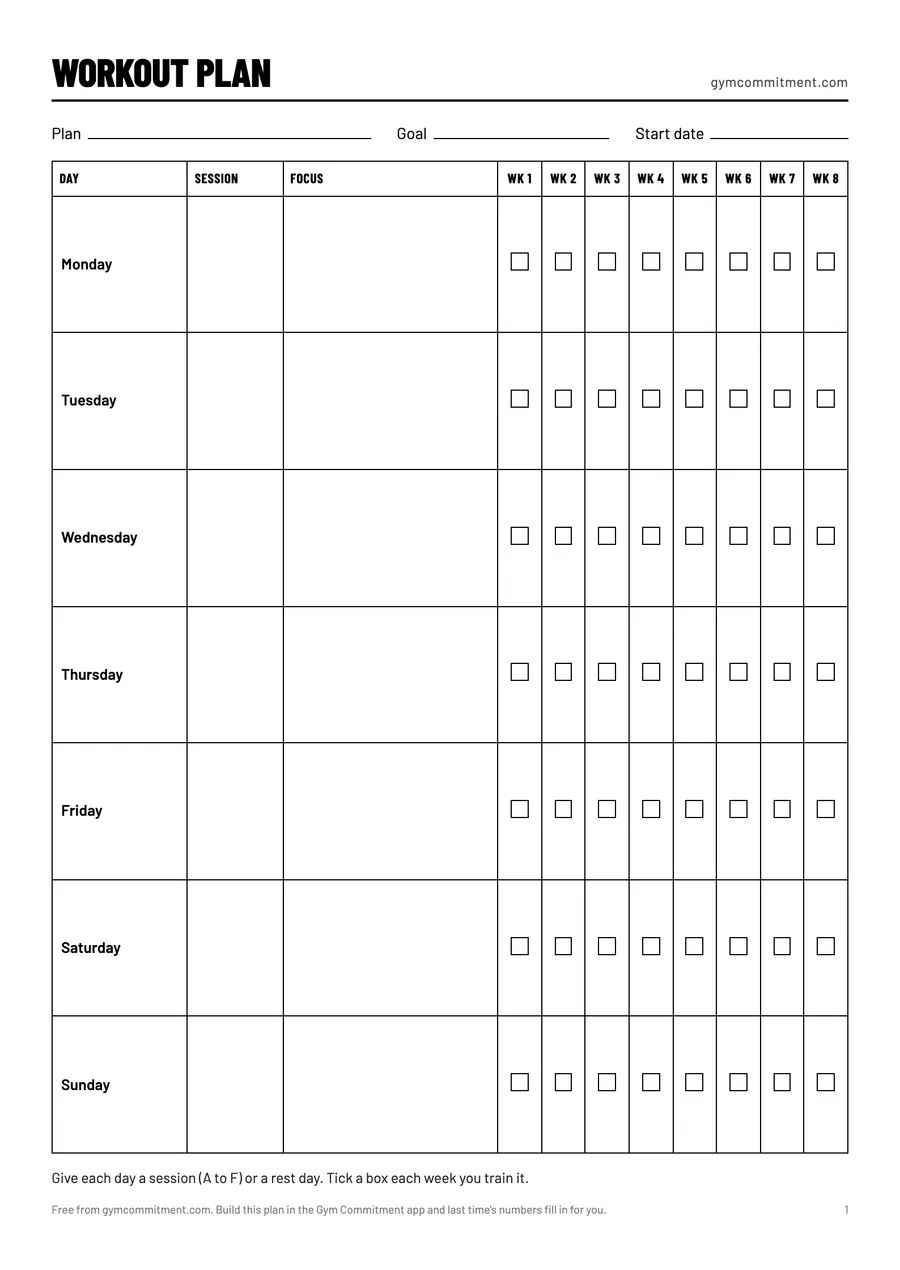
- A week page: your plan's name, goal and start date, then Monday to Sunday, each day with its session and eight weeks of boxes to tick.
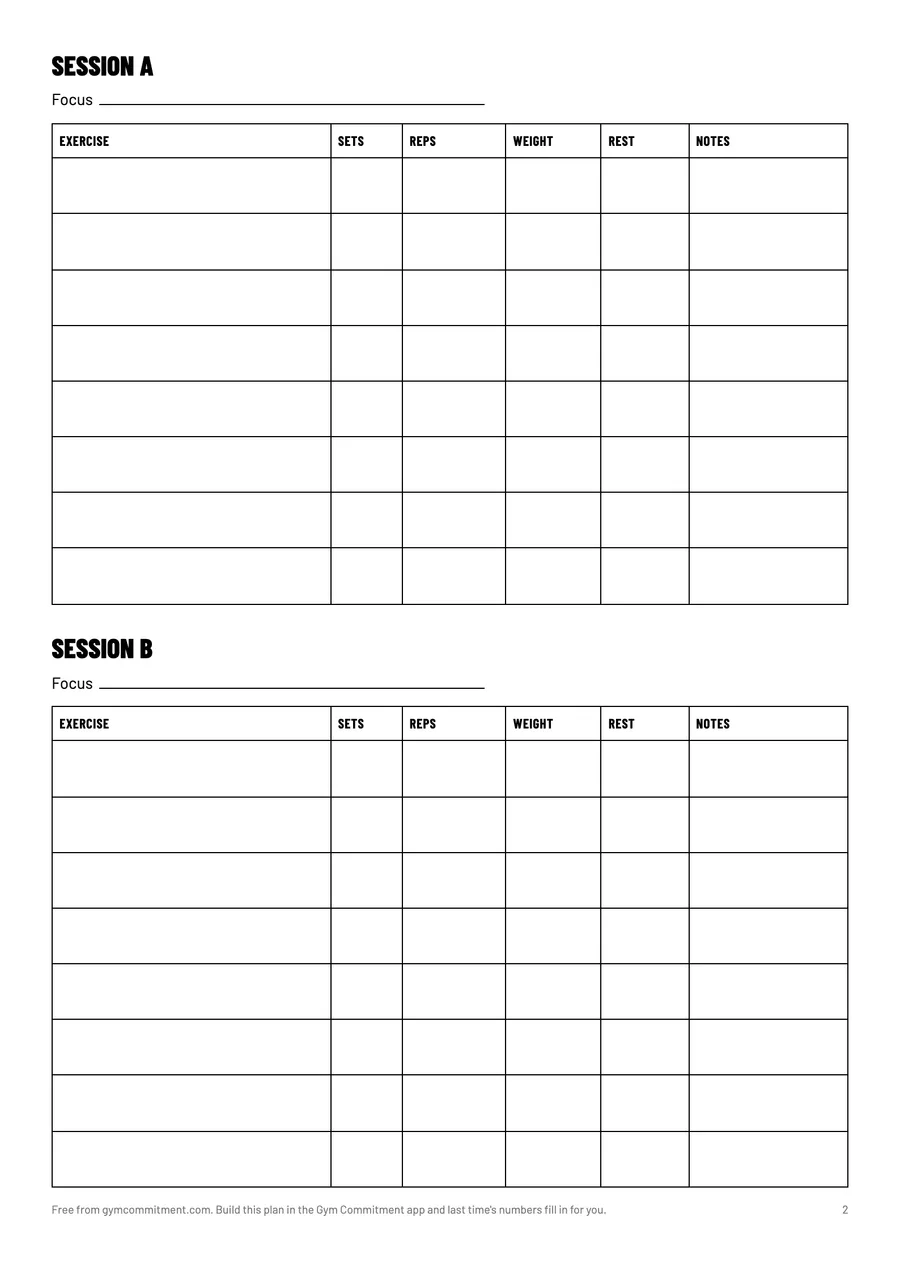
- Six sessions, A to F, each with eight rows: exercise, sets, reps, weight, rest and notes. The PDF puts two on a page; the Excel file gives each its own sheet.
- A log page to write down every set as you go.
- In the Excel file, the same sheets, with a drop-down to pick each day's session.
How to fill in a workout plan
- Count the days you can train every week, in a normal week rather than your best one, and mark the rest days on the week page. That number decides your workout split.
- Give each training day a session letter. Days with the same workout share a letter: for push pull legs, A is push, B is pull and C is legs.
- For each session, list 4 to 7 exercises, the biggest lift first. Not sure how many? See how many exercises per workout.
- Give every exercise sets, a rep range and a rest time, for example 3 × 8–10 with 2 minutes' rest.
- Pick a starting weight you can lift for the low end of the range with one or two reps to spare. The one rep max calculator turns any hard set into training weights.
- Tick the box for each day you train, write every set on the log page, and add weight once you reach the top of the range on every set.
How a week can look
| Split | Mon | Tue | Wed | Thu | Fri | Sat | Sun |
|---|---|---|---|---|---|---|---|
| Full body, 3 days | A | Rest | B | Rest | A | Rest | Rest |
| Upper lower, 4 days | Upper | Lower | Rest | Upper | Lower | Rest | Rest |
| Push pull legs, 6 days | Push | Pull | Legs | Push | Pull | Legs | Rest |
Template or app?
| Template | Gym Commitment app | |
|---|---|---|
| Your week | You write it down | Follow a ready plan, build your own, or let your AI build it |
| Last time's numbers | You copy them over | Already in every set |
| Rest timer | Your phone's clock | Starts when you tick a set, on your lock screen |
| Progress | Flip back through the pages | A chart for every lift, and your best set |
Paper and spreadsheets work. If you would rather skip the copying, the app does it for you.
Workout plan template FAQ
Is this workout plan template free?
Yes. Download the PDF or the Excel file, change it and share it with your gym. No sign-up and no email.
Can I use it in Google Sheets?
Yes. Open the Excel file in Google Sheets (File, then Import) and it keeps its sheets and columns.
How many days should my plan have?
As many as you can keep up every week. Two or three full body days is a good start, and our guide to the best workout split shows which split fits each number of days.