Train with your AI
BetaAI workout app You already ask your AI about everything. Ask it for your gym plan.
Connect ChatGPT, Claude or Gemini once. Your plan lands on your phone, ready to log.
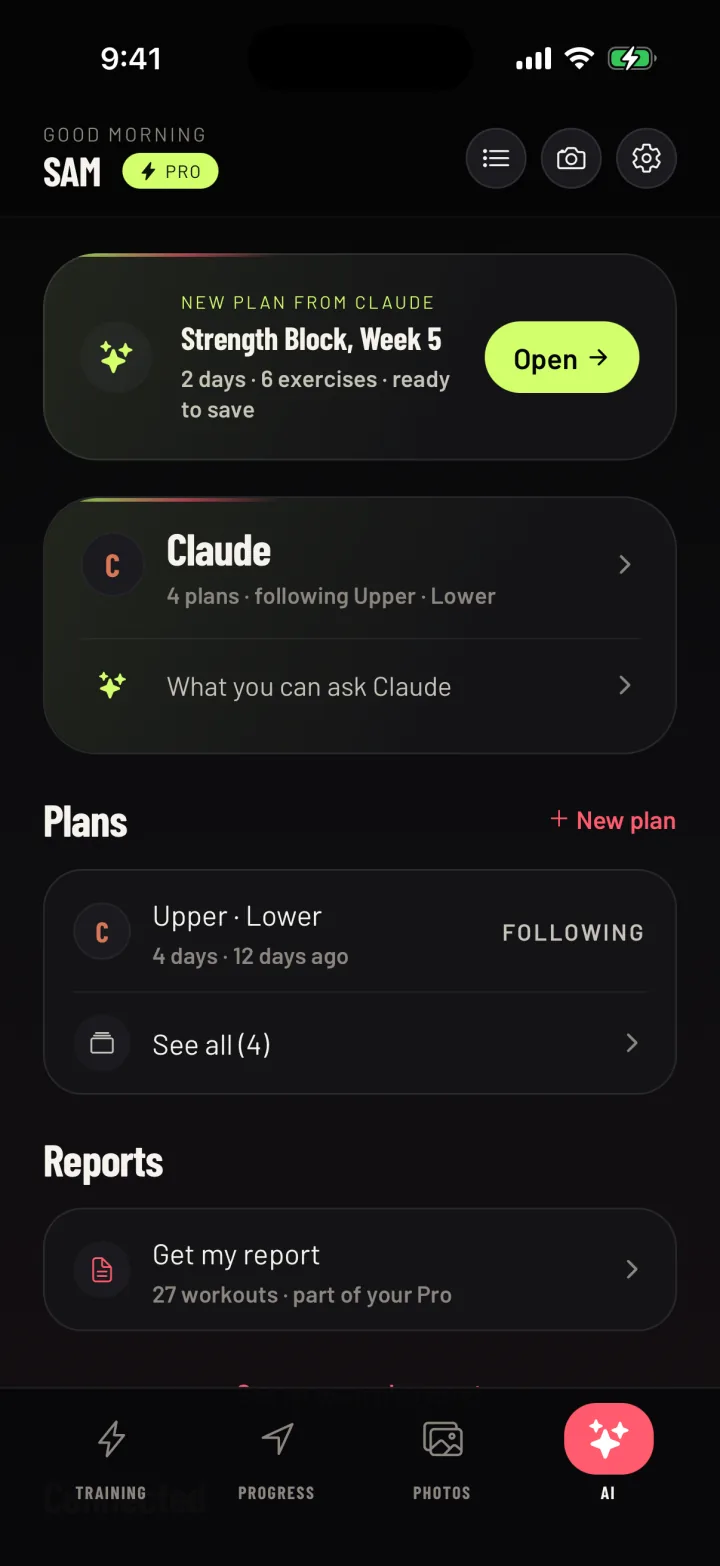
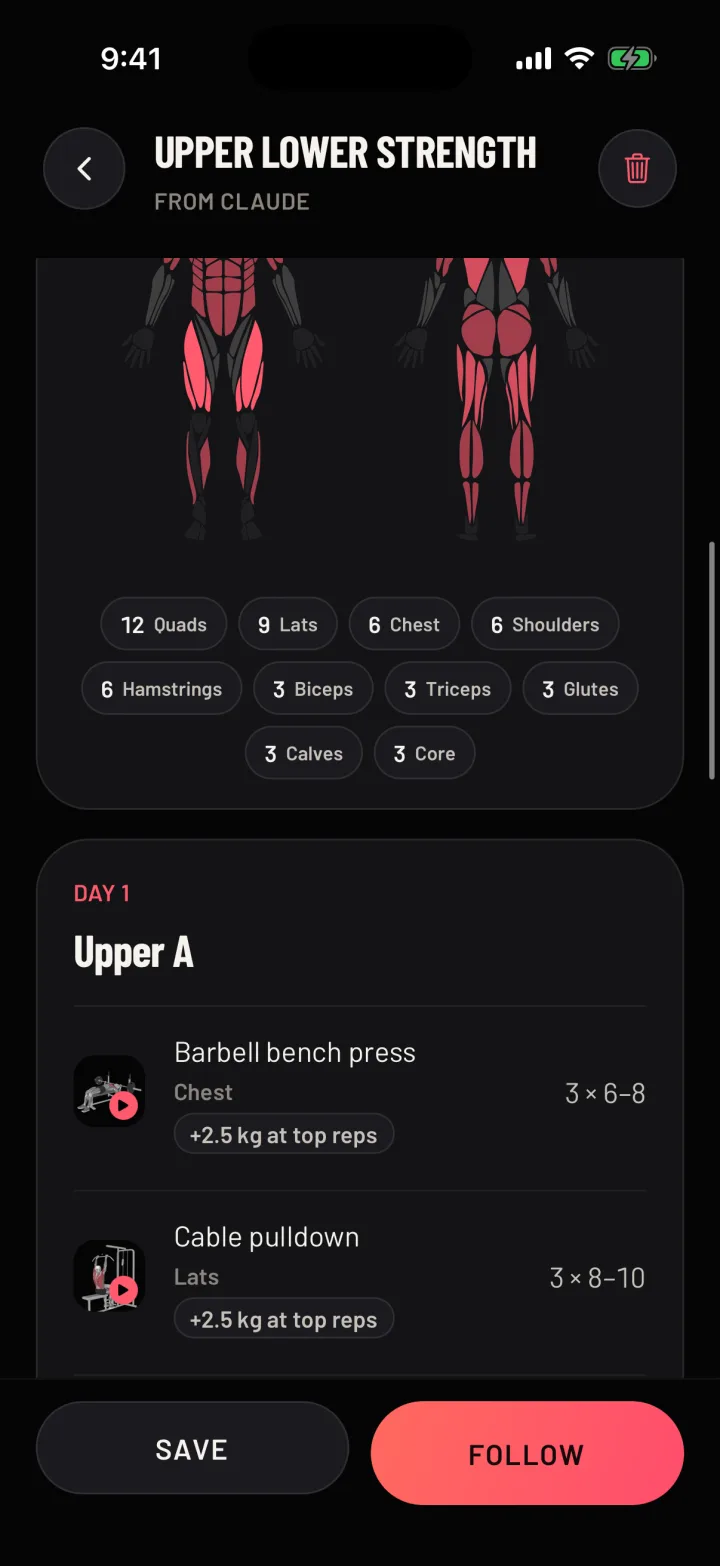
Your AI writes your gym plan
A plan made around your week.
Tell your AI your days and your gym. It plans around them.
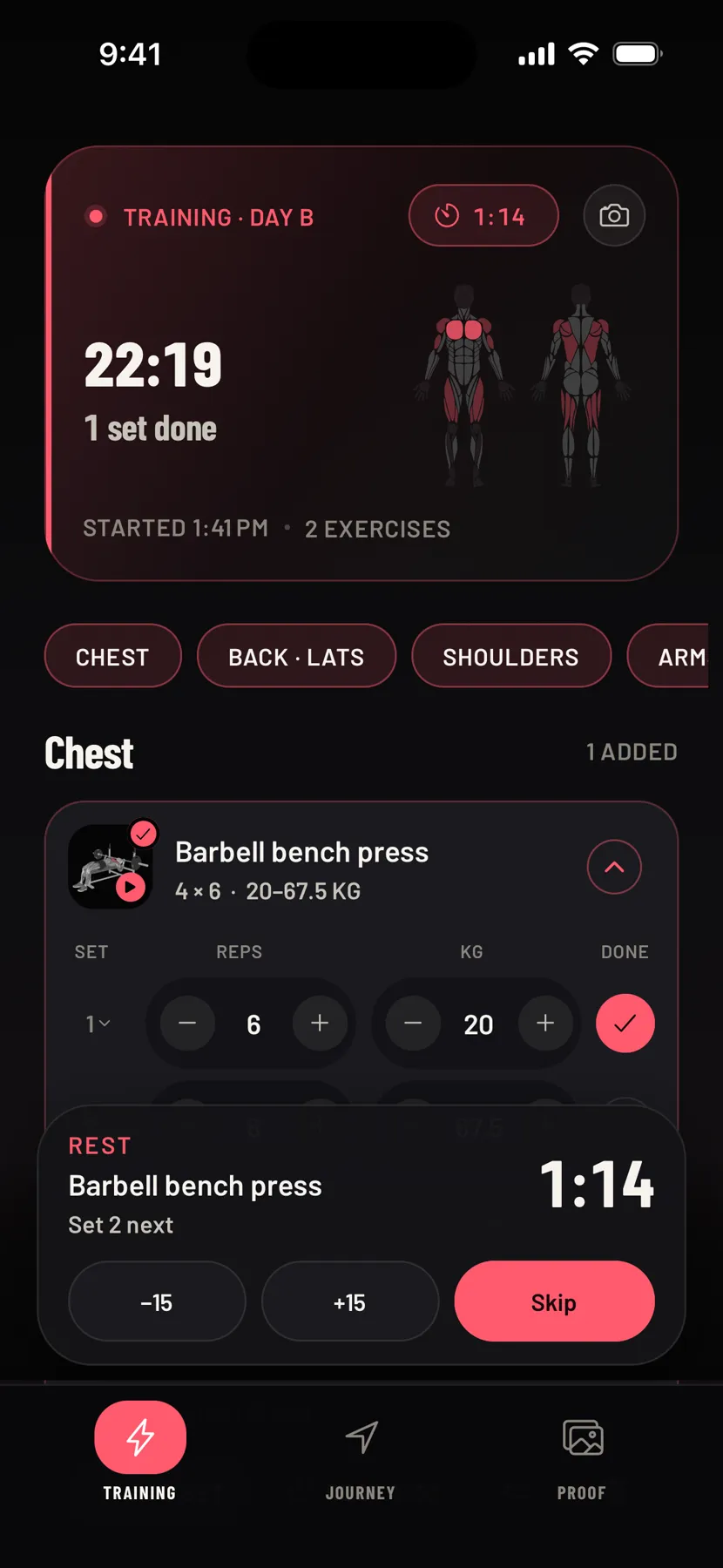
In the gym
Then you just lift.
Last time's numbers sit next to every set.
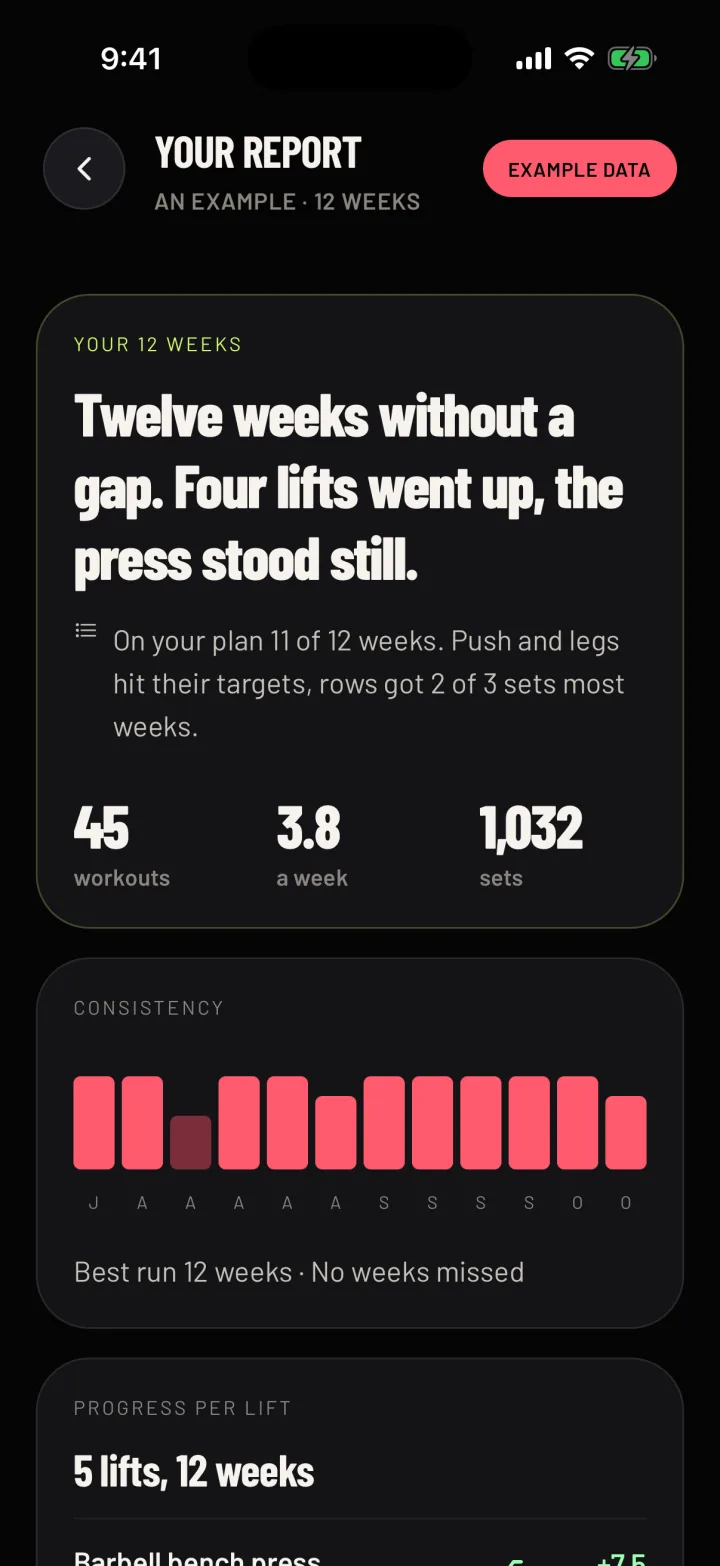
A report on your last 12 weeks
Your AI sees how it went.
Share your last 12 weeks when you choose. It writes back three changes for your plan.
What your AI can do in Gym Commitment
Ask for a plan, ask for a report. Like a coach.
- Ask for a plan around your days and your gym.
- Change it in one sentence. You see what changed, and you can go back.
- Leave your AI a note on any exercise. It goes with your next change.
- Share today's workout and ask how it went.
- Share your last 12 weeks and get a report with three changes.
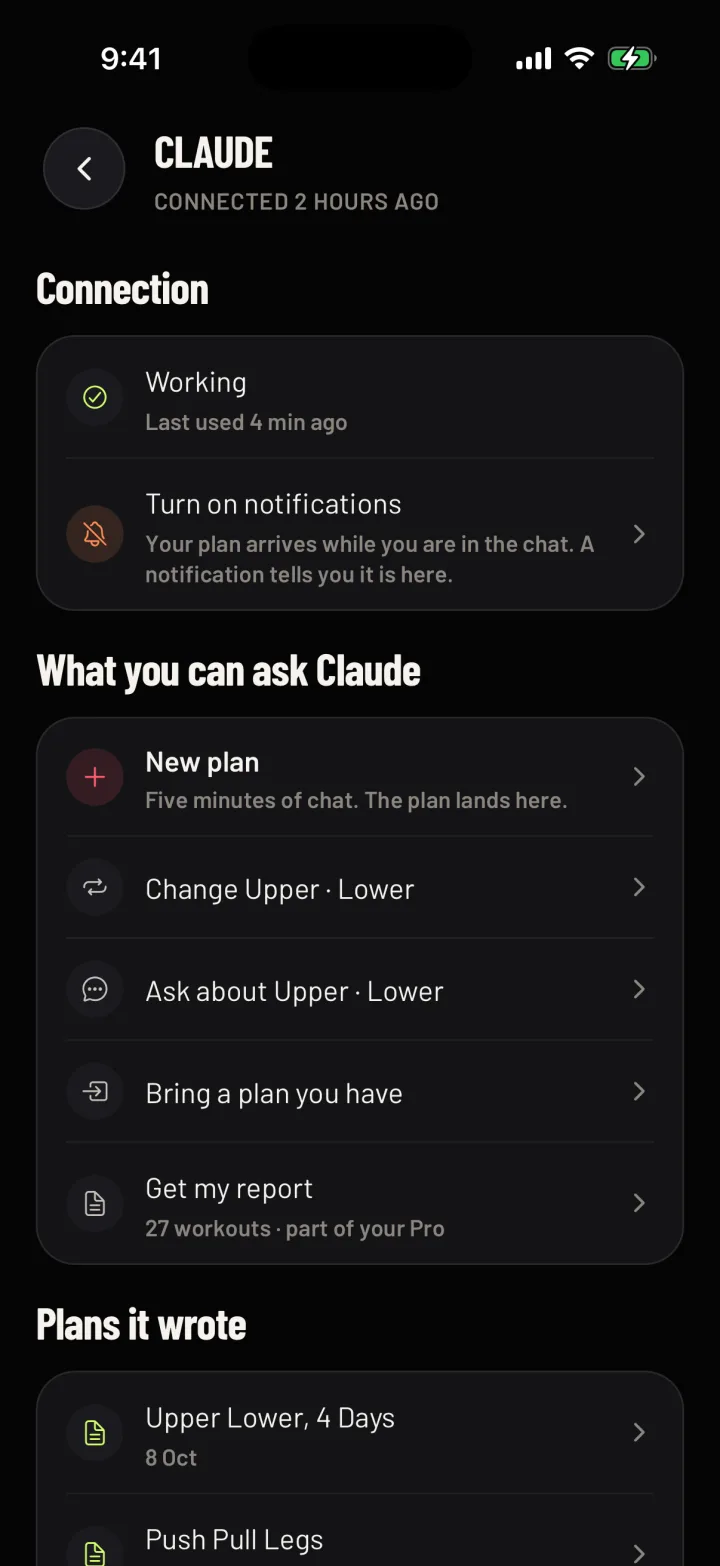
How to connect ChatGPT, Claude or Gemini
Set it up once.
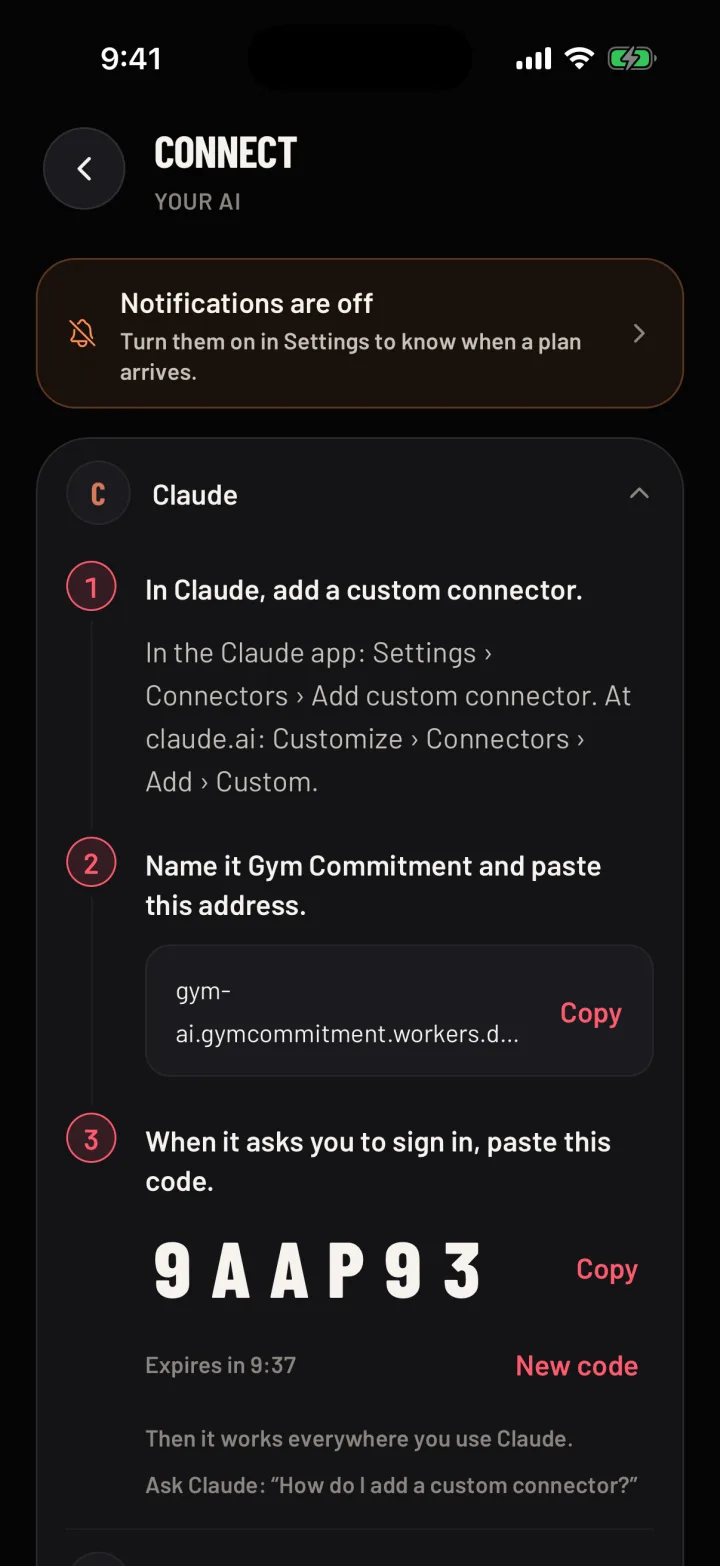
Connect your AI.
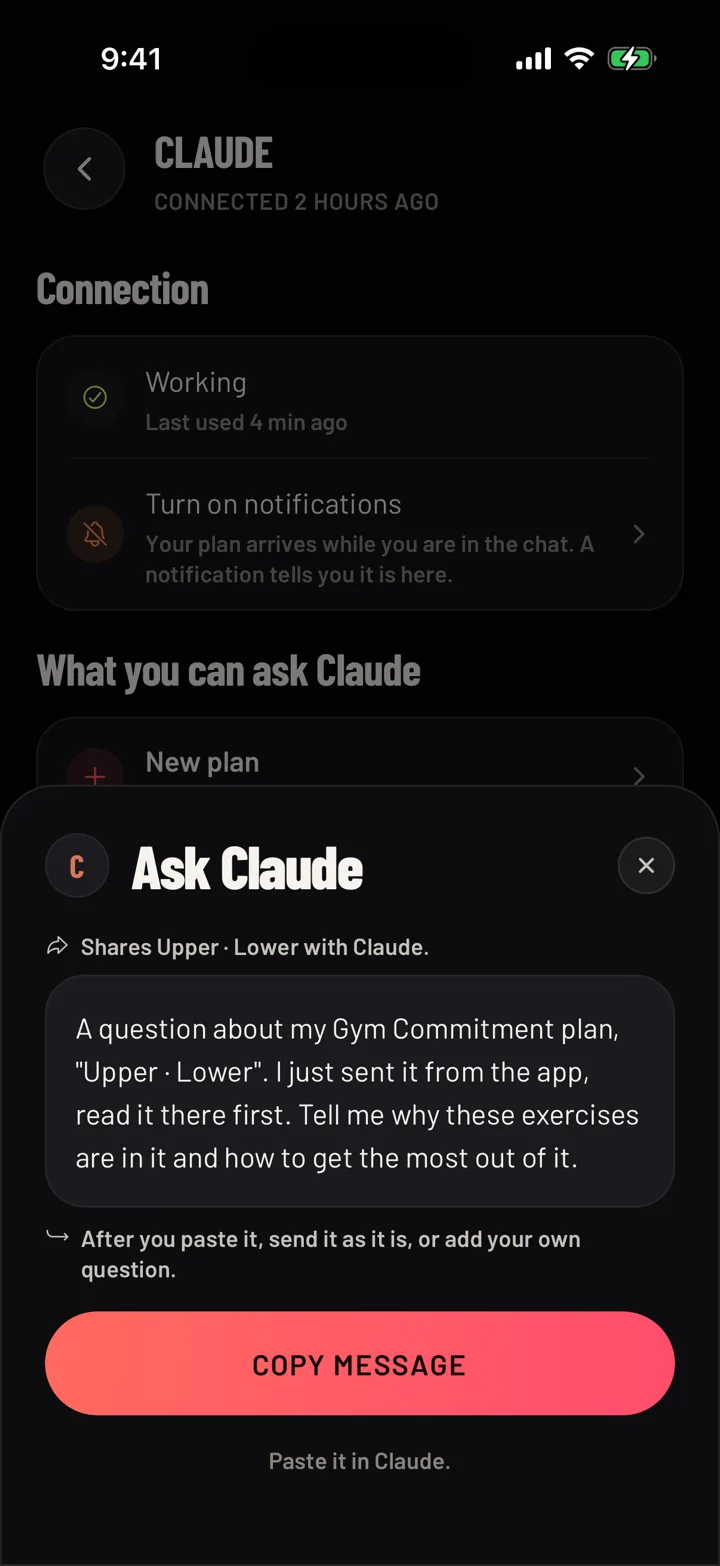
Copy one message.
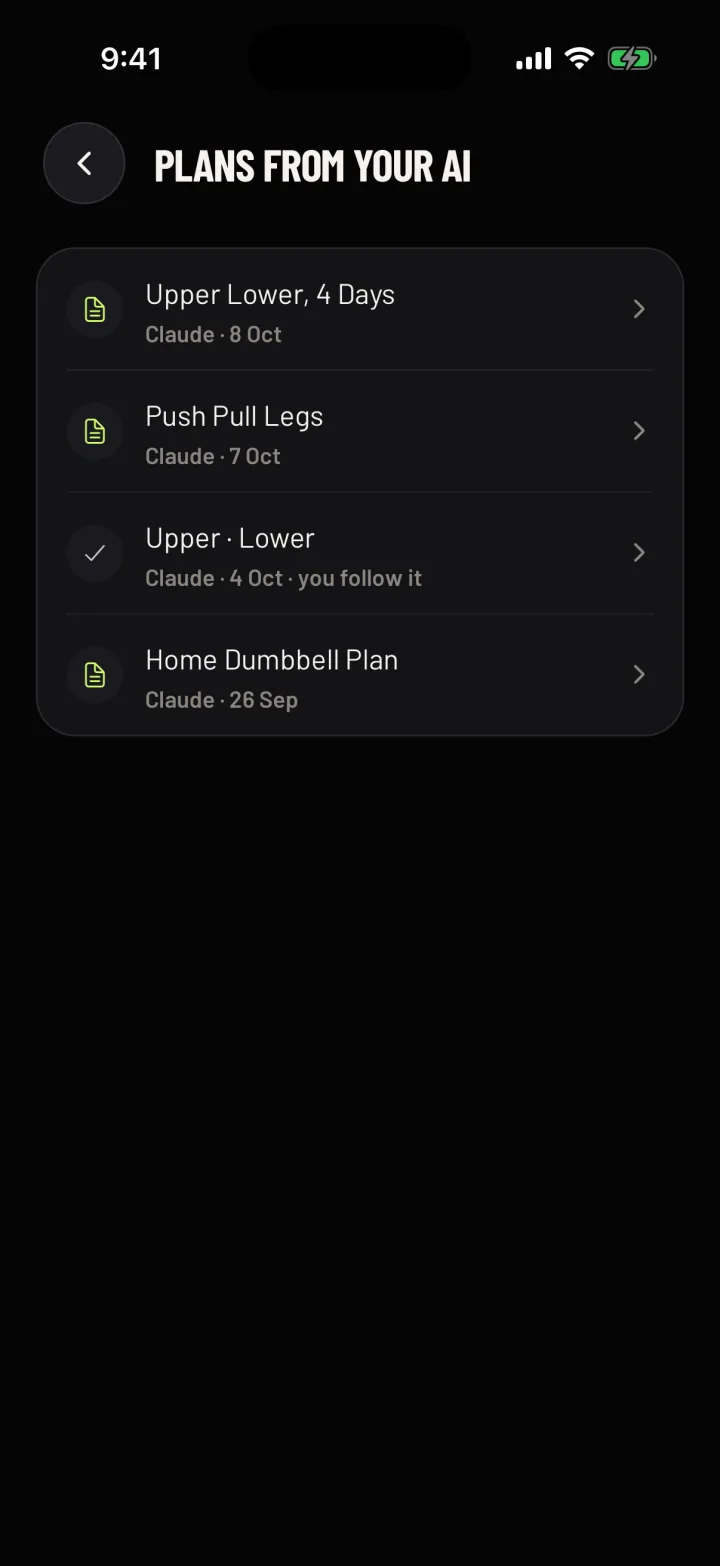
Your plan lands.
The rest of the app
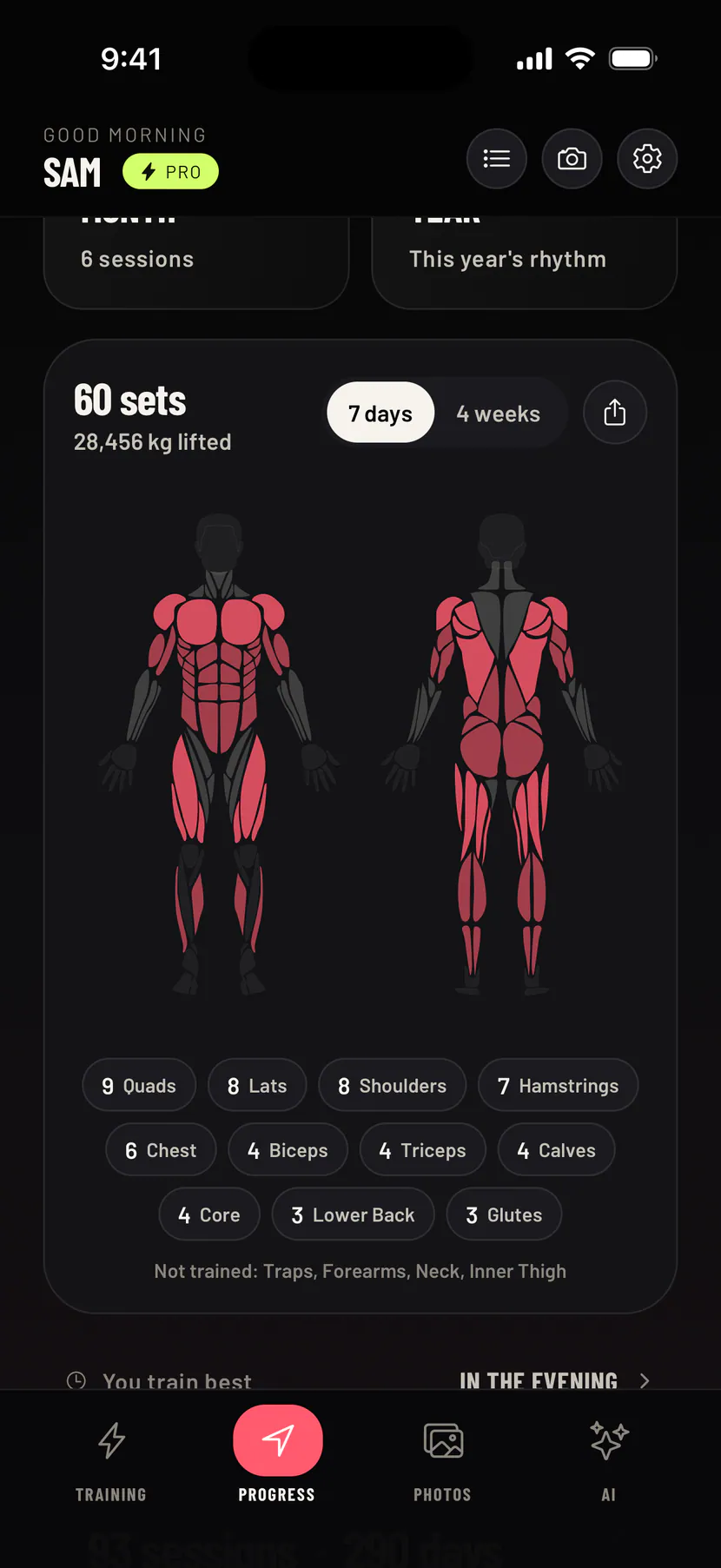
Your plan comes with a whole gym log.
See every muscle you trained this week on the muscle map, and last time's numbers on every set.
Good to know
A few fair questions.
Does my chat get sent anywhere?
You connect your own ChatGPT, Claude or Gemini. What you say stays there. Only the finished plan or report reaches your phone.
Does it work with ChatGPT, Claude and Gemini?
Yes. You connect the one you use, once. Another assistant that lets you add a connector by its address should work too. The setup steps cover each one.
Do I need a paid AI?
That depends on your assistant. Some need a paid plan, and some are not available in every country. The setup page shows which.
Does it work on Android?
Yes. Plans from your AI reach your phone on iPhone and Android, and so do new versions of a plan and the 12-week report.
Is this a gimmick?
That is a fair worry. The plan arrives as a normal plan you keep or leave, and log like any other.
Can I change the plan?
Yes. Tell your AI in one sentence, and a new version lands for you to keep or not.
How do I disconnect my AI?
In the app, open the AI tab, tap your assistant, then Disconnect. It stops your AI from reaching your phone right away. To connect again, or to remove Gym Commitment from your AI as well, ask your AI how to do it.
What if I'd rather not use an AI?
Gym Commitment still logs every set, and you can pick a ready-made plan or build your own.
What does Beta mean?
Train with your AI is new, and we are still shaping it. Write to us at gymcommitmentapp@gmail.com and tell us what works and what does not.
iPhone and Android
Your next plan can be on your phone.
Connect your AI once, then go lift.
See how to connect your AI